
Products
Panel lineup criteria
Compare panels on what matters
Every panel is judged on touch latency, panel resolution, and operating system options. Use these criteria to narrow the lineup before you compare sizes and connectivity side by side.
Specifications are listed as published so you can check each model against your room and workflow.
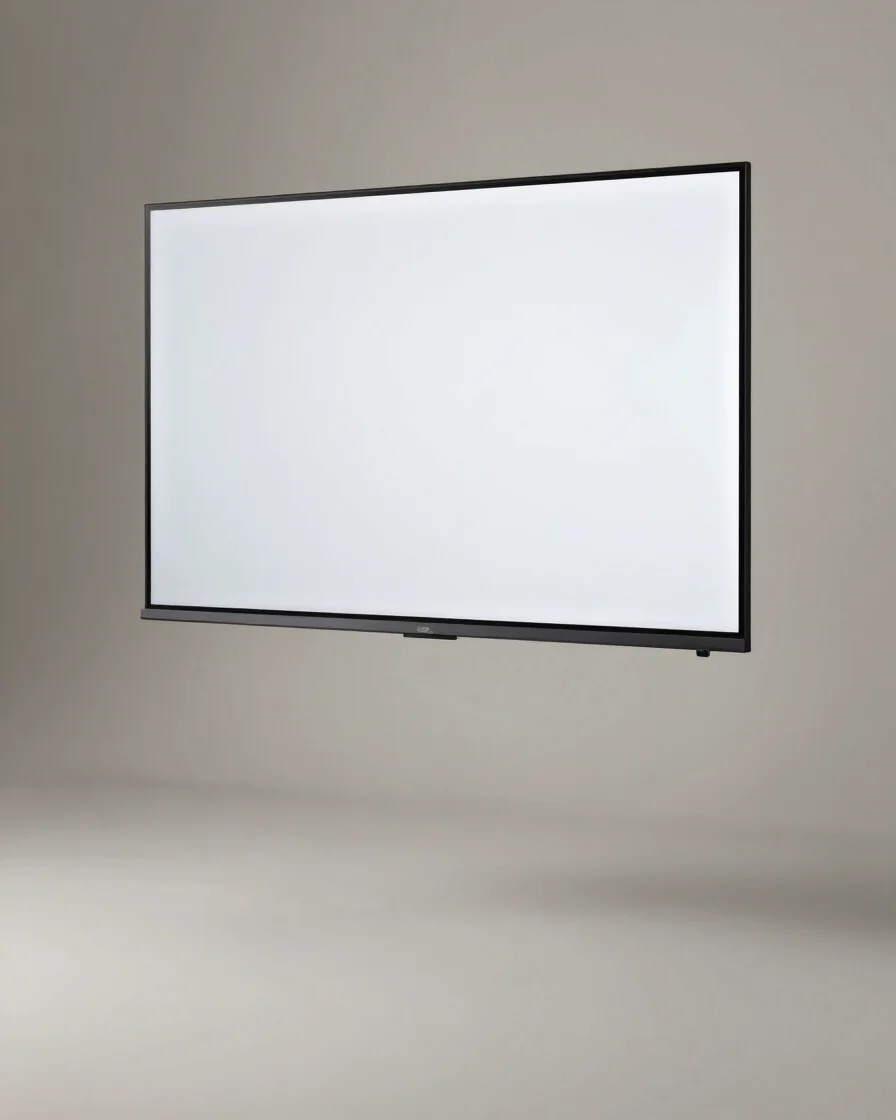
Side-by-side specifications
Standard screen sizes compared
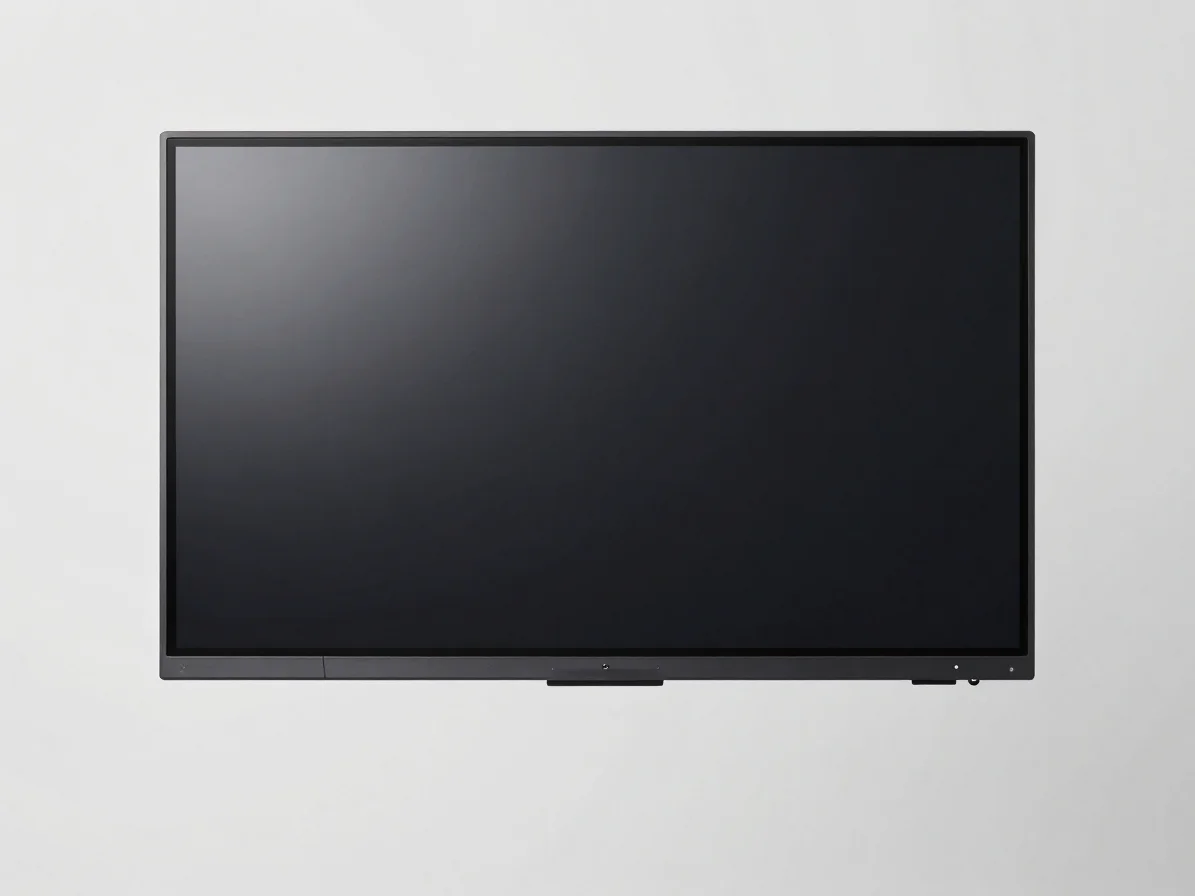
Screen dimensions
Dimensions and resolution
Compare diagonal screen size, native resolution, and overall panel footprint for each standard model. Match the size to your room before you look at price.
Input connectivity
Ports and inputs
Review HDMI, USB, and touch input options side by side. Confirm the ports your devices need before you choose a model.

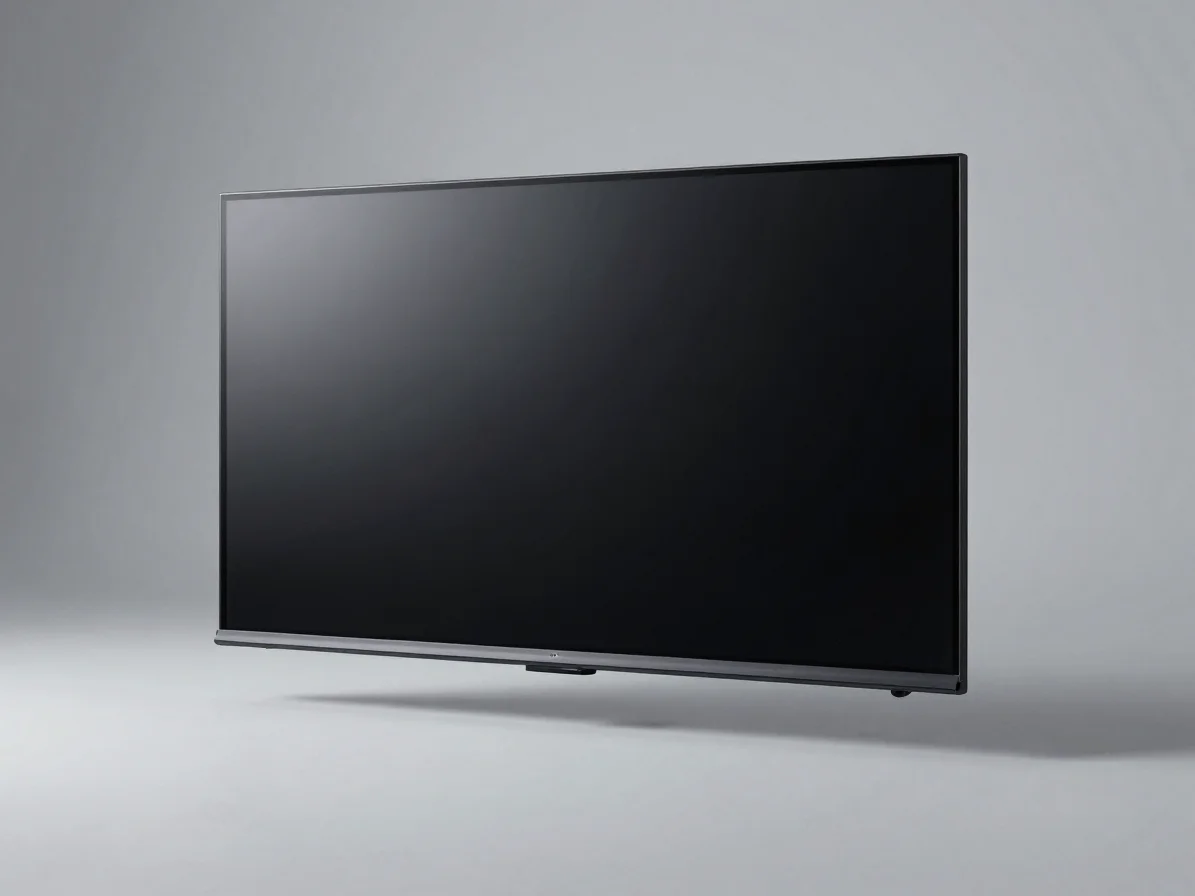
Touch and software
Latency and operating systems
Compare touch response latency and the operating system options offered on each model, so the software matches how your team works.
Bundled hardware
Mounts, stands, webcams, and pens
Review the mounting kits, mobile stands, external webcams, and stylus replacements available for each panel. Accessories are listed only where they are offered.

Mobile stands
Compatible mobile stands let you reposition a panel between rooms. Check the stand rating and footprint against the panel size you choose.
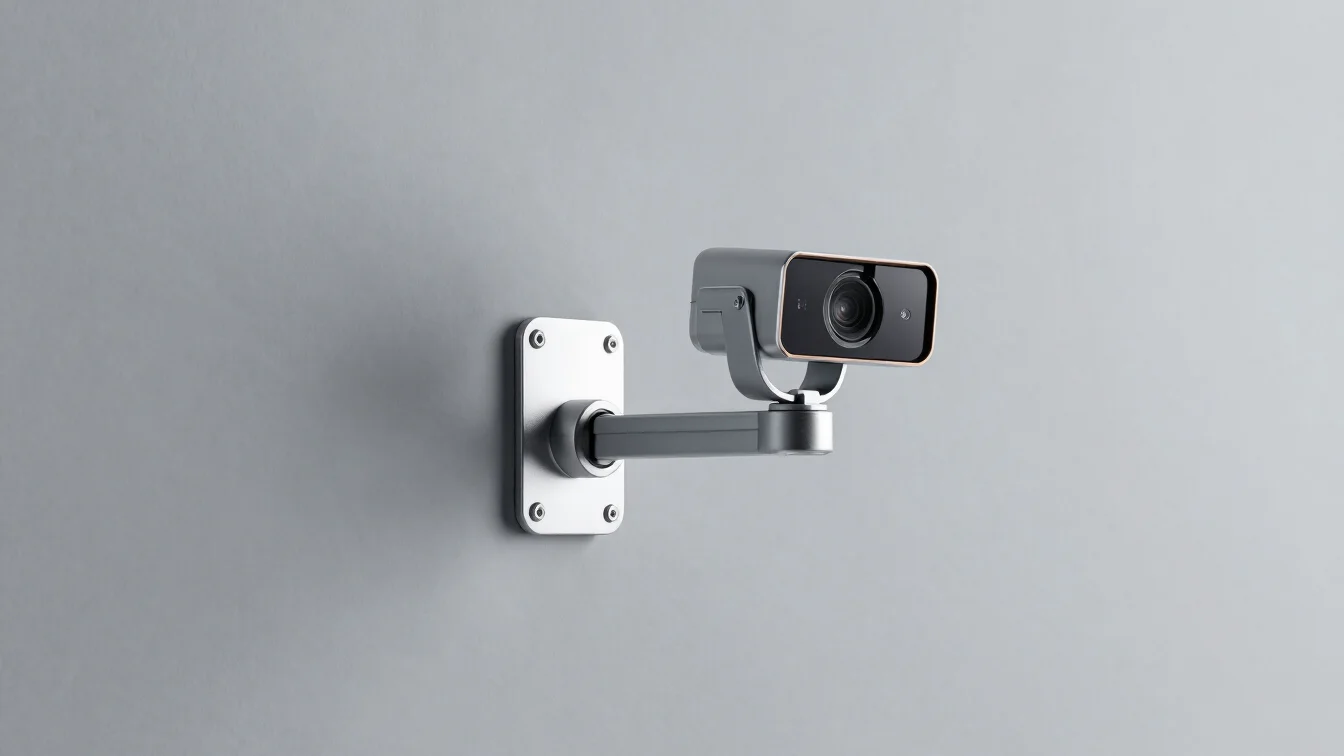
Wall mounts and webcams
Fixed wall mounts keep the panel in place for conference rooms and classrooms. External webcams add video for meetings. Confirm mount pattern and webcam compatibility before ordering.

Digital pens and styluses
Replacement styluses and digital pens are sold separately for each panel model. Check the tip type and pen compatibility listed on the product page.